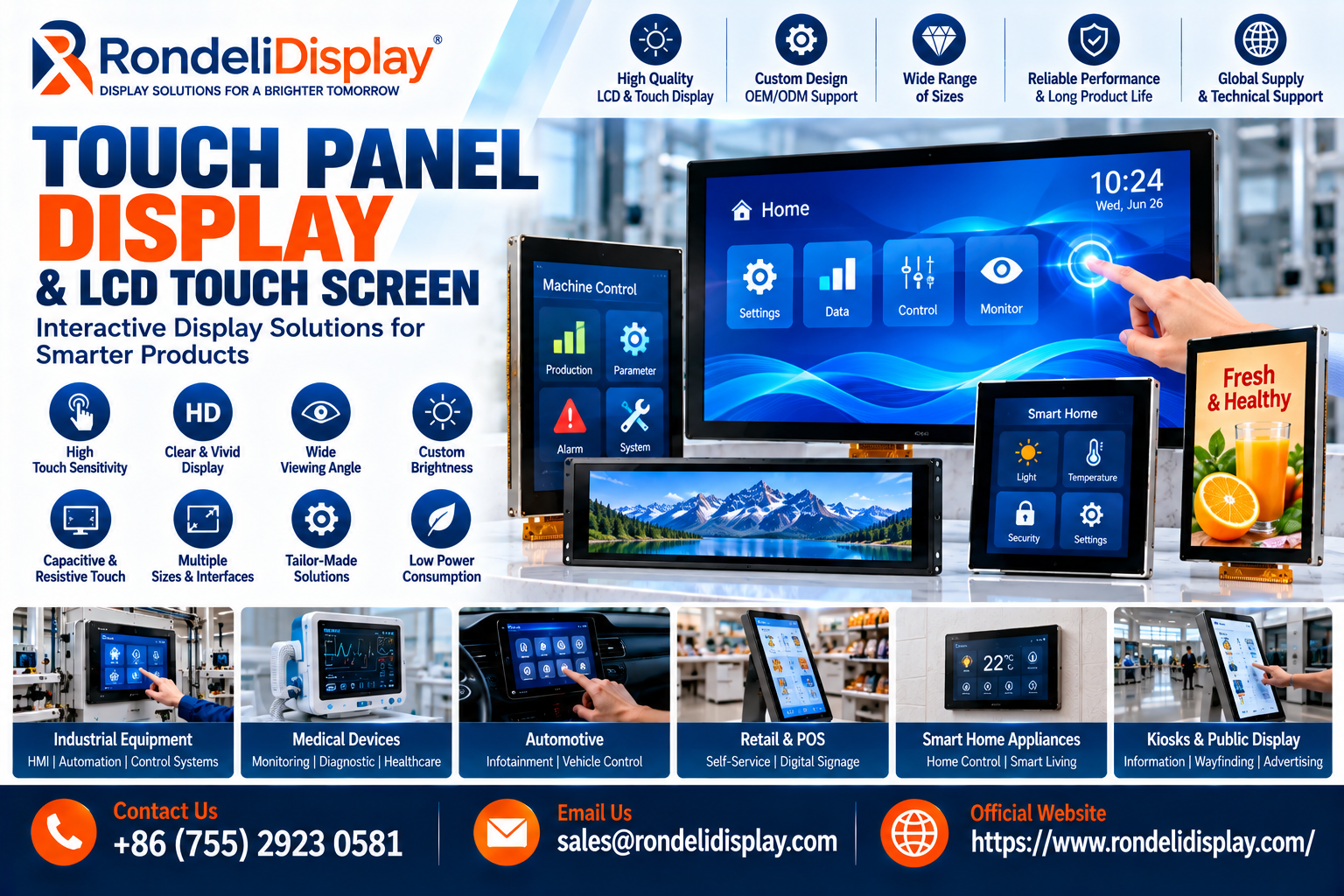
Self-service technology is becoming an important part of customer-facing operations across retail, hospitality, banking, healthcare administration, and commercial facilities. As organisations introduce interactive terminals, equipment manufacturers are considering how touchscreen reliability influences customer satisfaction, maintenance costs, and operational efficiency.
A Touch Panel Display allows users to interact directly with digital equipment through touch-sensitive controls, simplifying navigation and information access.
Meanwhile, an lcd touch screen combines visual presentation with touch-input functionality, making it suitable for interactive kiosks, information terminals, and automated service equipment.
Beyond screen resolution and appearance, manufacturers must consider how these components perform during repeated customer interactions.
For OEM developers, kiosk manufacturers, and commercial equipment suppliers, designing touchscreens for long-term usability and efficient maintenance is an increasingly important engineering priority.
Why Self-Service Equipment Depends on Reliable Touchscreens
Self-service terminals are designed to help users complete tasks without continuous staff assistance.
Customers may use these devices to check information, complete registrations, select services, or navigate digital menus.
When a touchscreen becomes unresponsive or difficult to read, the entire customer experience can suffer.
Repeated interactions also introduce additional considerations involving surface wear, cleaning requirements, and component durability.
This principle encourages manufacturers to evaluate touchscreen performance throughout the equipment’s intended service life.
What Is a Touch Panel Display?
A Touch Panel Display is an electronic interface that allows users to provide input by touching a compatible sensing surface.
Depending on its design, the assembly may include a touch sensor, controller, protective cover, and integrated display.
The sensor detects touch interactions, while the controller communicates input information to the connected electronic system.
Touch panels are used in interactive equipment where direct input can simplify operation.
However, the selected technology must suit the expected environment.
Factors such as frequent use, moisture exposure, cleaning practices, and mechanical protection can influence component selection.
Understanding LCD Touch Screen Applications
An lcd touch screen combines a liquid crystal display with a compatible touch-input system.
The LCD presents graphical information, while the touch sensor detects user selections.
These assemblies can be used in hotel check-in kiosks, retail ordering systems, information terminals, and suitable administrative equipment.
Display specifications may include resolution, brightness, viewing angles, and operating temperature.
Touchscreen requirements may involve sensitivity, controller compatibility, surface protection, and expected usage conditions.
Manufacturers should evaluate these characteristics together to ensure practical operation.
Why Maintenance-Friendly Design Matters
Commercial terminals may require servicing during their operating lives.
If replacing a damaged touchscreen involves dismantling substantial portions of the equipment, maintenance can become complicated.
Manufacturers can consider modular display assemblies that allow appropriate components to be accessed or replaced.
However, serviceability depends on the complete product design.
Connectors, mounting arrangements, cable routing, and available replacement parts should be considered during development.
Maintenance-friendly construction can help organisations manage repairs more effectively.
Protective Glass and Surface Durability
Customer-facing displays are frequently touched throughout normal operation.
Protective cover glass can help shield sensitive display components from direct handling.
Depending on the product, manufacturers may select different glass thicknesses, surface treatments, or mechanical arrangements.
However, protective glass does not automatically make a touchscreen impact-proof.
The enclosure, mounting system, and expected operating conditions influence overall durability.
Businesses should also consider surface visibility and touch responsiveness when selecting protective materials.
Suitable samples should be evaluated before commercial installation.
Cleaning Requirements for Shared Touchscreens
Touchscreen equipment installed in public environments may require regular cleaning.
However, cleaning methods must remain compatible with the display assembly.
Unsuitable chemicals, excessive moisture, or abrasive materials can damage certain coatings or surrounding components.
Manufacturers should provide appropriate maintenance instructions based on the actual materials used.
For healthcare-related administrative terminals, additional cleaning considerations may apply.
Buyers should verify cleaning-agent compatibility rather than assuming every touchscreen tolerates the same procedures.
A suitable cleaning policy supports both equipment maintenance and responsible facility management.
Comparing Display Requirements Across Commercial Applications
| Application | Important Touchscreen Requirement |
| Retail Ordering Kiosks | Responsive input and readable menus |
| Hotel Check-In Terminals | Clear instructions and reliable operation |
| Information Kiosks | Display visibility and accessible navigation |
| Banking Service Terminals | Dependable input and appropriate system security |
| Healthcare Administration | Cleaning compatibility and clear interaction |
| Industrial Service Panels | Environmental suitability and maintenance access |
Each application requires a different balance of functionality, durability, and integration requirements.
How Touch Calibration Affects User Experience
Accurate touch detection is essential for interactive equipment.
If a touchscreen registers selections incorrectly, users may struggle to complete their tasks.
Depending on the technology, touch accuracy can be influenced by controller configuration, mechanical integration, or electrical interference.
Some systems require calibration procedures, while others use factory-configured sensing arrangements.
Manufacturers should verify performance across the active touchscreen area.
Testing should include representative interactions with the intended software interface.
Accurate touch registration helps reduce unnecessary user frustration.
Software Compatibility and Display Replacement
Replacing a touchscreen component may introduce compatibility challenges.
Even screens with similar dimensions can use different controllers, electrical connectors, or communication interfaces.
A replacement display may require corresponding software or driver support.
Businesses should therefore maintain approved technical specifications and replacement procedures.
Where long-term equipment support is important, component availability should be discussed before production.
Documented compatibility requirements can help maintenance teams select suitable replacement parts without unnecessary experimentation.
Quality Testing Before Commercial Deployment
Touchscreen validation should reflect intended operating conditions.
Relevant checks may include repeated touch operation, display functionality, connector reliability, and environmental performance.
Manufacturers may also evaluate surface appearance, response accuracy, and protective assembly quality.
However, testing should be appropriate to the product rather than relying on broad claims of commercial-grade durability.
Representative prototypes allow engineers to identify potential issues before larger installations.
Documenting test requirements helps maintain consistent purchasing and quality expectations.
Choosing a Suitable Touchscreen Manufacturer
Businesses evaluating display suppliers should prioritise technical and operational compatibility.
Important considerations include:
- Display Specifications: Confirm resolution, dimensions, and brightness.
- Touch Performance: Evaluate input accuracy and controller compatibility.
- Surface Protection: Review glass options and cleaning requirements.
- Maintenance Access: Consider mounting and replacement arrangements.
- Product Testing: Request appropriate performance documentation.
- Long-Term Support: Discuss component availability and technical assistance.
A suitable supplier should communicate product capabilities and limitations clearly.
Frequently Asked Questions (FAQs)
1. What is a Touch Panel Display?
A touch panel display is an electronic interface that detects user touch interactions and communicates them to a compatible electronic system.
2. What is an LCD touch screen?
An LCD touch screen combines a liquid crystal display with touch-input technology to provide graphical information and interactive controls.
3. Are touchscreens suitable for self-service kiosks?
Yes. Suitable touchscreen assemblies can support customer interaction in retail, hospitality, information, and other commercial terminals.
4. Can commercial touchscreens be cleaned regularly?
Yes, when appropriate cleaning methods and compatible materials are used according to the manufacturer’s instructions.
5. How should businesses choose an LCD touchscreen supplier?
Businesses should evaluate display quality, touch accuracy, protective materials, replacement compatibility, testing requirements, and technical support.
Media Contact
Department: Touchscreen Display and OEM Technology Enquiries
Email: sales@rondelidisplay.com
Official Website: https://www.rondelidisplay.com/